BlazeMeter - A Tool For Creating Automated Tests
BlazeMeter is a tool for creating automated browser-based tests for your web application. This is made possible by recording the traffic that is sent from your browser to your web server.
This tool is used for testing the performance of your web application. The recorded data is used to create automated tests that can be run on different browsers and platforms.
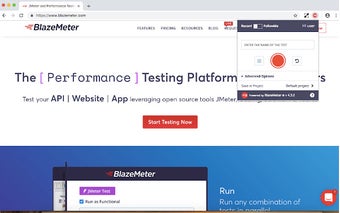
To get started with BlazeMeter, you need to first install the BlazeMeter Chrome extension.
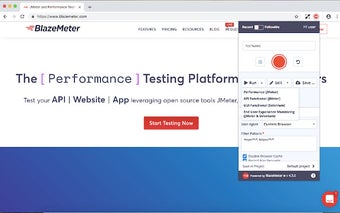
Next, you need to open Google Chrome and click on the extension.
After that, you need to click on the Record button.
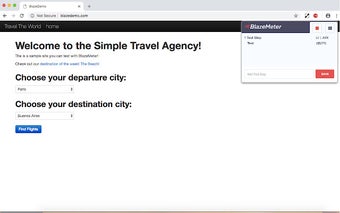
You can now start recording your traffic.
The recorded data is saved to a file that can be used to create automated tests.